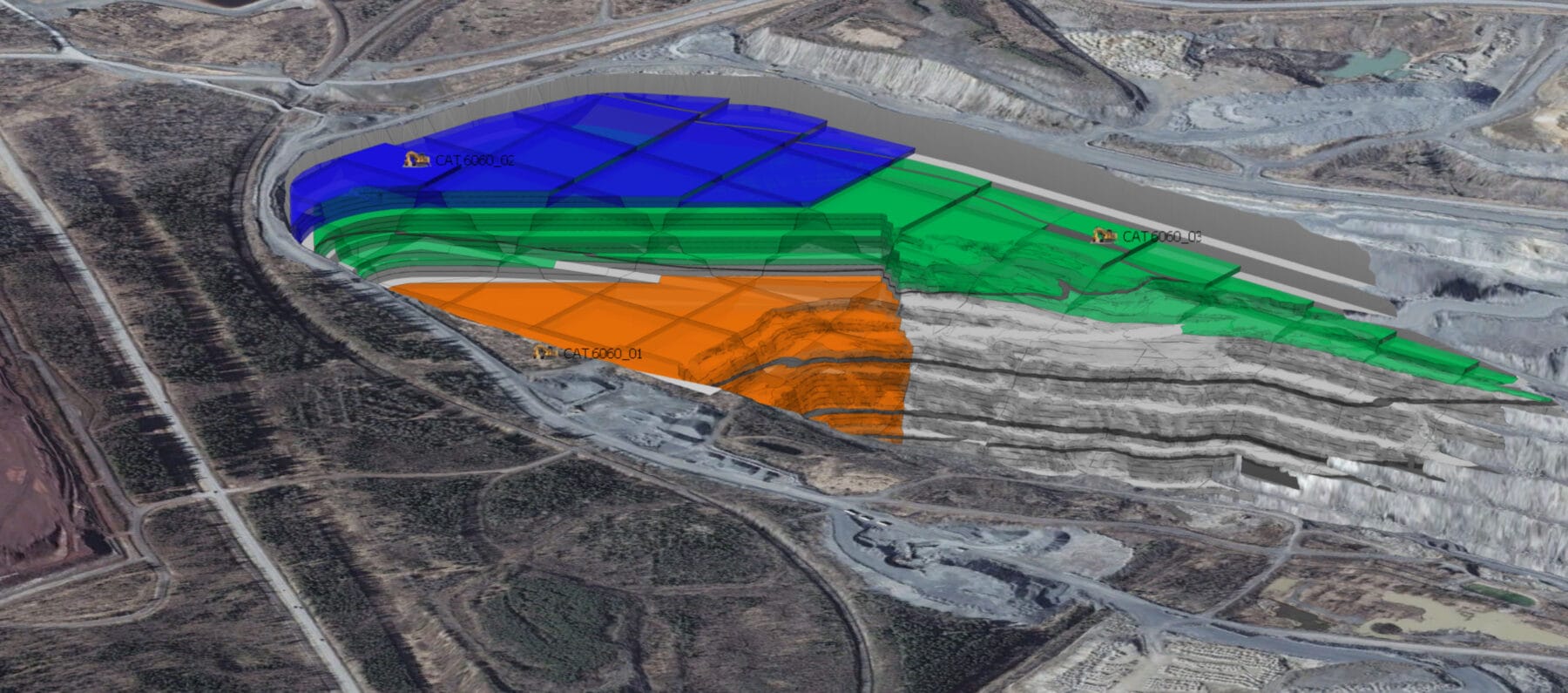
Grid is one of the most important outputs of the SPRY scheduler. With grid, users can visualize the future shape of a mining location.
Generally, the grid output generated by the SPRY scheduler is often not smooth (jagged) along the crest bench of the mining face position. This causes the resulting contour of the grid to be unsmooth, making it difficult for users when they want to create a crest-toe design from a face position.
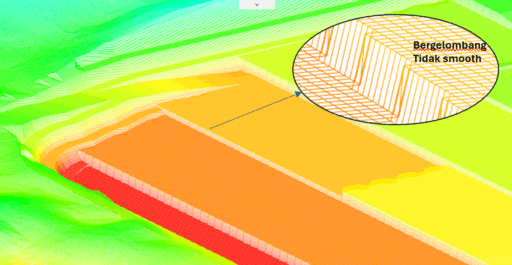
The following are the steps to make the Grid position smoother:
- Click Grid – Create Surface.
- Set the Reference Point, Grid Spacing, and Rotation.

Note: Rotation is the key point to make the grid results smoother. Enter a rotation number that corresponds to the slope/angle of the crest bench line. - Click Apply.

After creating the grid by inputting the rotation value (the slope of the crest bench), the resulting grid and contour will be smoother and neater.
Grid Output

Contour from Grid