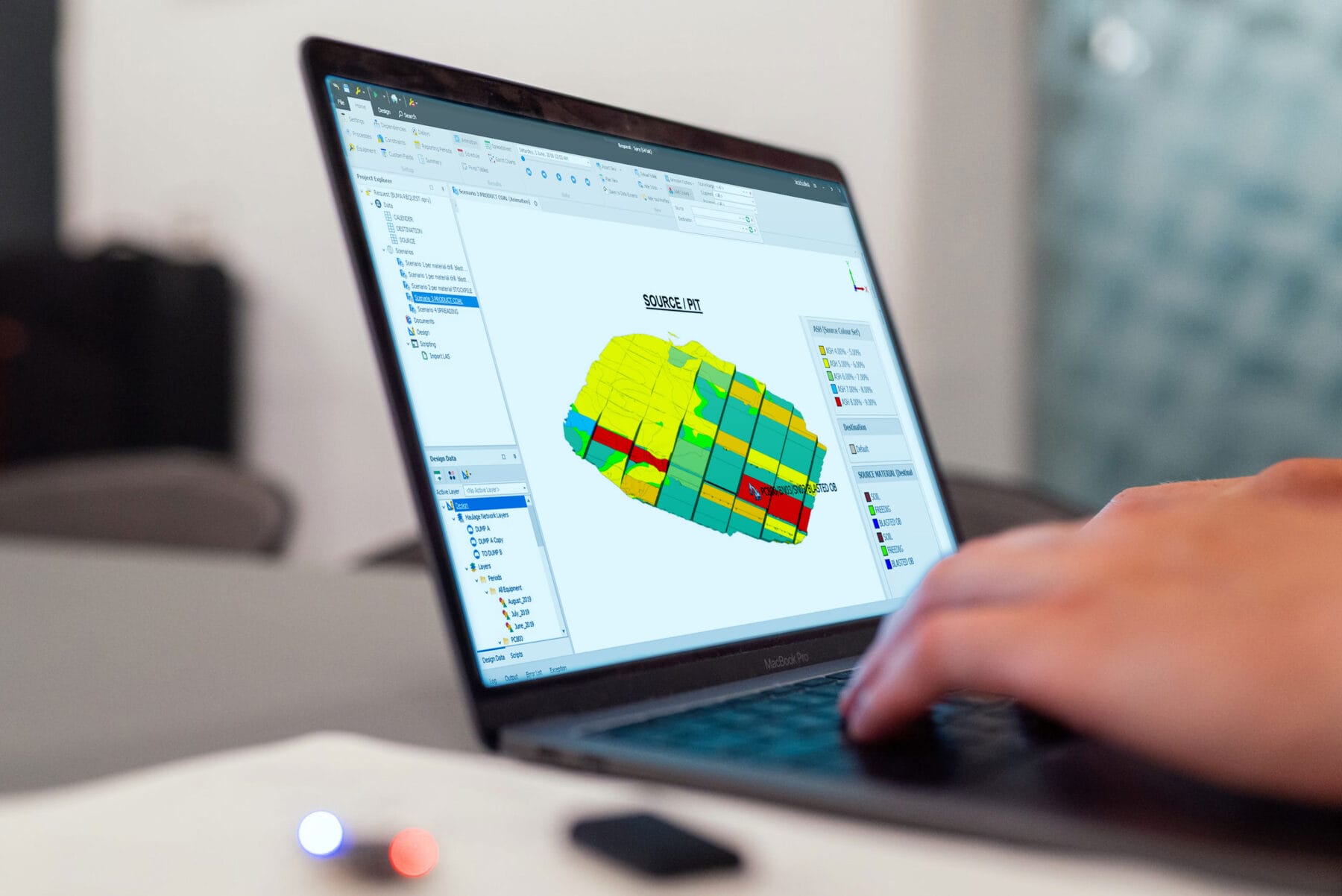

The appearance of solid animation in the SPRY scheduler is an important aspect of creating schedules. Users often check the animation of the sequence they have arranged to ensure it matches what they want. However, because the default setting for SPRY scheduler solid animation is shadowed, this can be quite disruptive for users when performing animation checks.
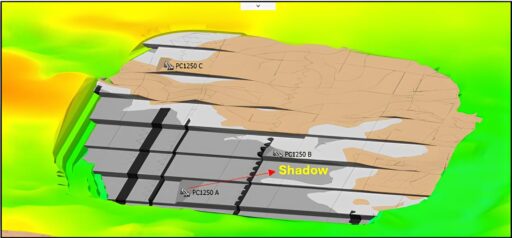
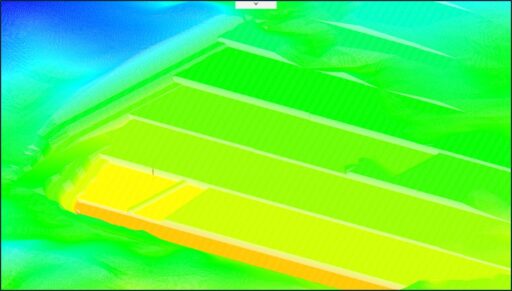
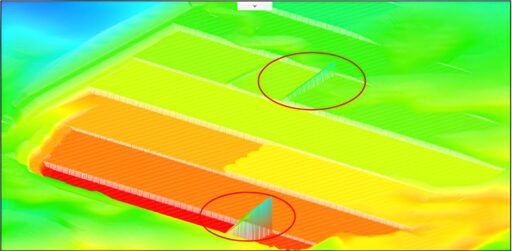
Furthermore, the default shadow animation setting also causes the grid generated by the SPRY scheduler to be incorrect, as shown below.
To overcome this, users can remove the shadow from the animation in the following way:
- Click File – Setting – Animation Setting
- In Rendering Path – Solids, change the previous setting from Shader to VBO.
- Then click Save and check the animation.
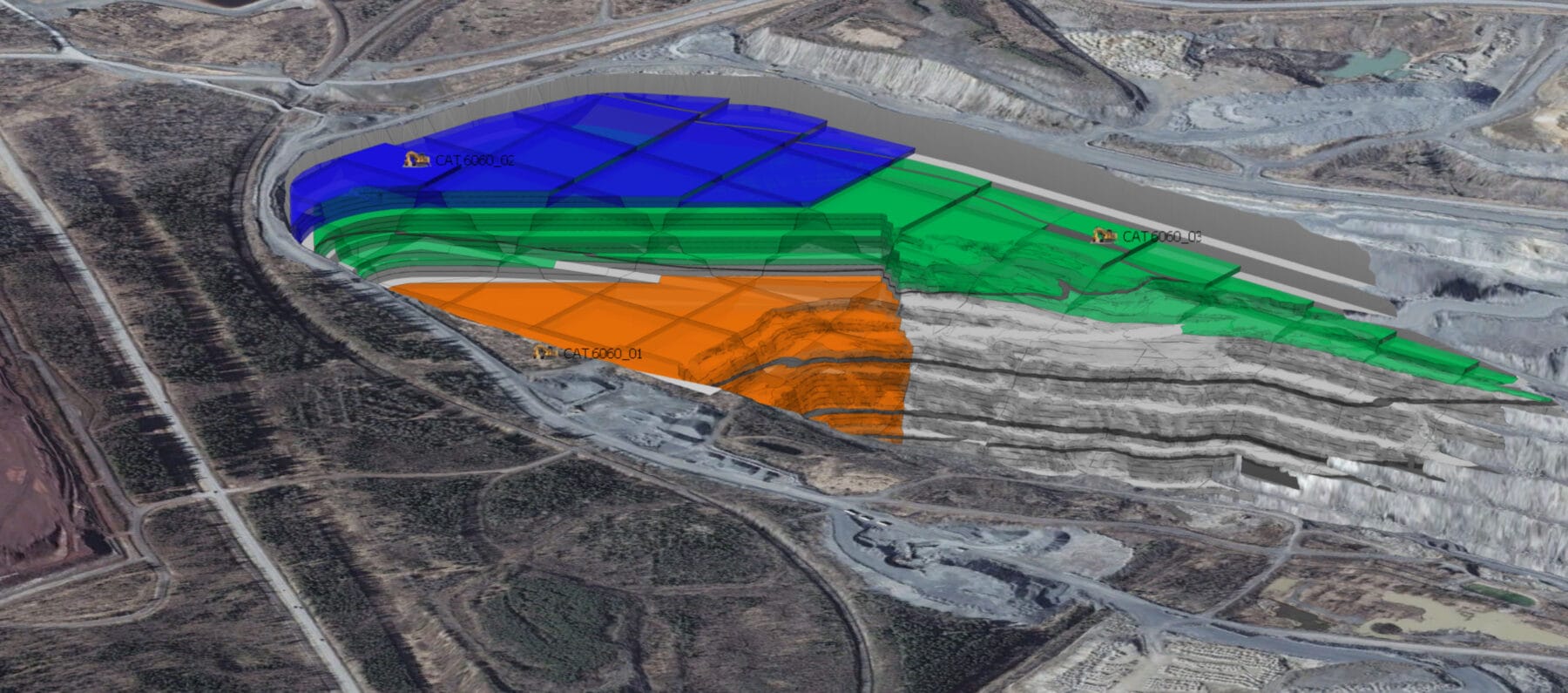
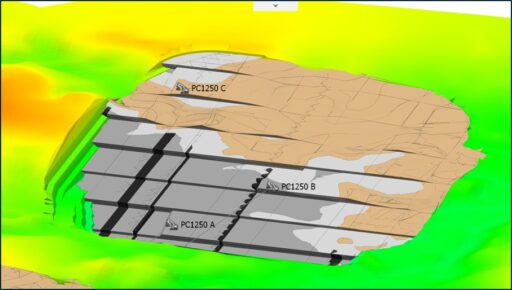
After changing the solid rendering path from shader to VBO, the solid appearance in the animation will no longer have a shadow, and the grid output will also match its face position.
Solid animation without shadow
Grid File without shadow